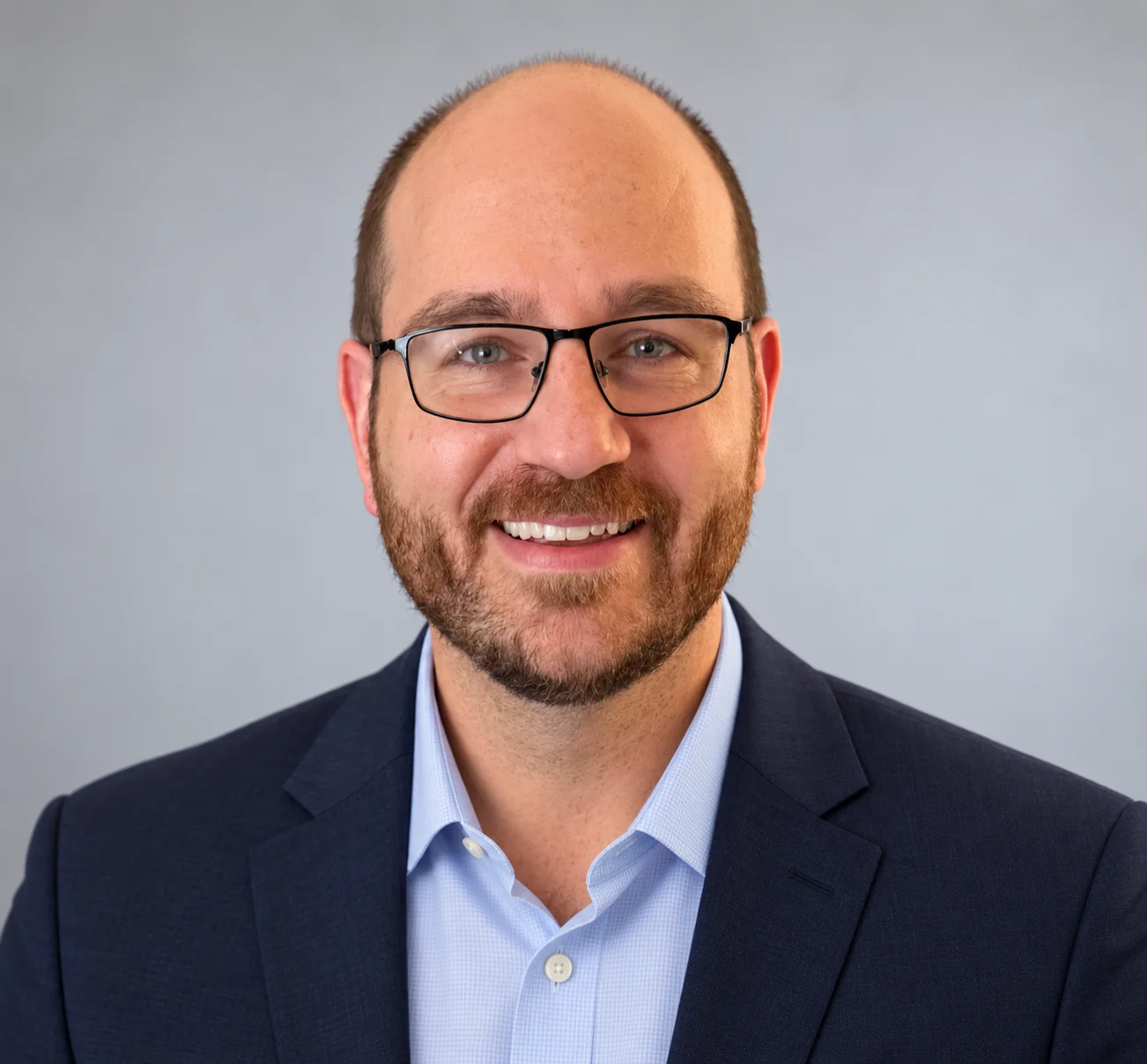
SIGNAL ACQUIRED
Sam Harms
I keep critical signals moving, and I build the tools around them.
Senior Telecom Technologist with 11 years in telecom. Cellular and Wi-Fi surveys, commissioning, point-to-point microwave, and iBwave design for DAS and Wi-Fi systems, plus the software I build on my own time.
- 11 YRS TELECOM
- WIRELESS / RF
- CALGARY, AB
- EN / PT
PART 1 / FIELD WORK
The systems people only notice when they stop.
Most of my work at Comtech is in wireless: cellular and Wi-Fi surveys, commissioning, point-to-point microwave, and iBwave design for DAS and Wi-Fi systems. I also support utility telecom, from remote alarming and power to transport and long-haul fibre.
STATION 01 / WIRELESS SURVEYS, DESIGN & COMMISSIONING
Survey the coverage. Design the system. Commission it.
Wireless Coverage Specialist · Comtech · 2018 to present
I survey cellular and Wi-Fi coverage, design distributed antenna systems (DAS) and Wi-Fi systems in iBwave, and commission systems. Point-to-point microwave work and interference troubleshooting are also part of the job.
- 100+Wi-Fi and cellular surveys
- 80+Service interventions
- >90%Resolved on the first visit
- ~60%Less time preparing reports
01 / CELLULAR SURVEY
Where does cellular coverage drop?
I walk the building with a cellular scanner, recording the serving cell’s signal strength and quality. The measurements become a coverage map: where service is strong, where it weakens, and which areas need attention. The example below is a 5G cellular survey.
MOVE TO SURVEYDRAG TO SURVEY
- TECH
- 5G NR (NSA)
- CARRIER
- Rogers
- BAND
- n25 (1900 MHz, FDD)
- NR-ARFCN
- 395090 (1975.5 MHz DL)
- SCS
- 15 kHz
- PCI
- 312
- SS-RSRP
- dBm
- SS-RSRQ
- dB
- SS-SINR
- dB
02 / INTERFERENCE TROUBLESHOOTING
What is interfering with the signal?
On a troubleshooting visit, I use a spectrum analyzer to inspect radio energy across frequencies. Unexpected signals or a raised noise floor give me something to investigate. I then use a directional antenna to narrow down the source and check whether removing it restores service.
STATION 02 / CRITICAL INFRASTRUCTURE
Keeping BC Hydro's telecom running.
Senior Telecom Technologist · Comtech (Communication Technologies) Ltd. · Client: BC Hydro · 2019 to present
Alongside my wireless survey and design work, I support BC Hydro's telecom infrastructure: point-to-point microwave links, commissioning, remote alarming, transport, DC power and long-haul fibre. Remote sites need reliable links and power, with alarms that reach the people who can act on them.
- RECT 1 FAILOn site for maintenance when the controller flags rectifier 1. Rectifier 2 carries the load.09:42:17
- RECT 2 FAILThen rectifier 2. No AC fail alarm, so the feed is fine. The load is on batteries.09:44:52
- BATT DISCHBus slips under 52.0 V and battery-on-discharge comes in. The string has hours of reserve.09:47:30
- TROUBLESHOOTAC is good at the shelf, so it’s the modules. No spares on the truck, so it’s a run to the depot.10:06:33
- RECT SWAPBack with spares. Bus is at 51.4 V when both modules go in and come online.12:21:05
- ALM CLEAREDAlarms clear on the controller. Confirmed with the control centre that each one came through. Not done yet.12:23:48
- REINVENTORYEquipment re-inventoried: new module serials recorded, spares used logged, replacements ordered.12:44:31
- DOCUMENTEDWork notes written: what failed, what changed, readings before and after. Now it’s done.13:26:08
STATION 03 / MAPPING PLATFORM
From the phone in the field to the report on the desk.
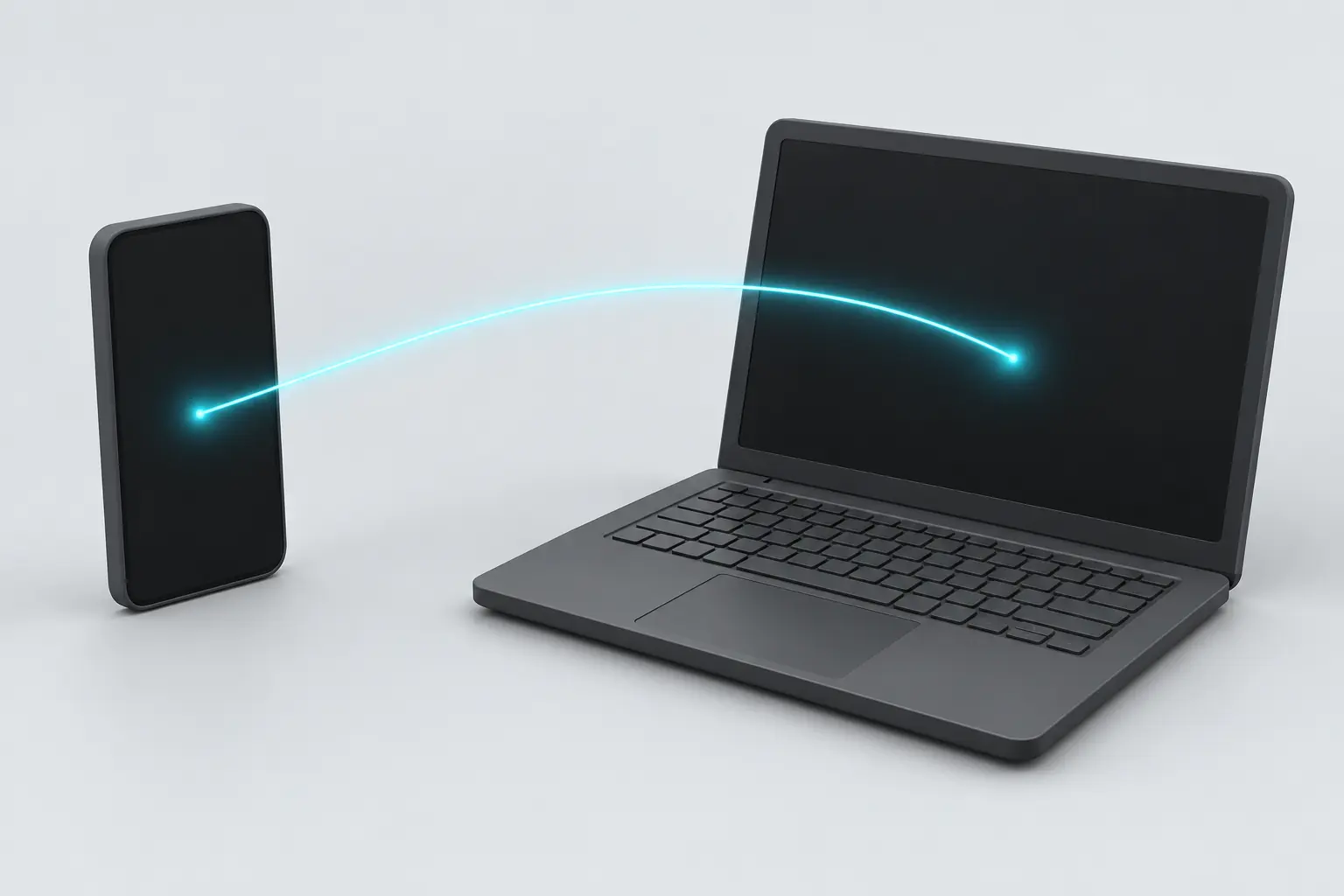
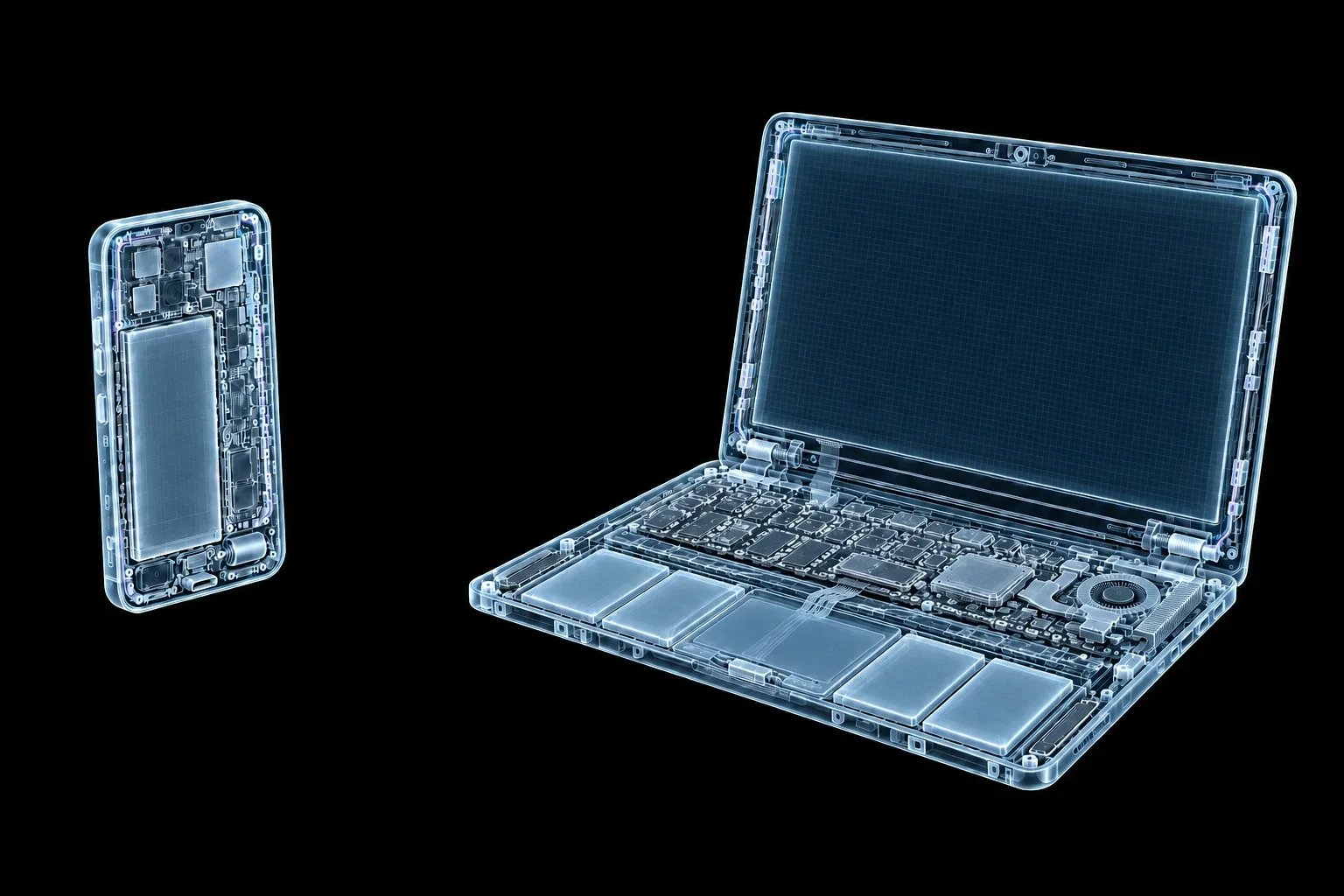
Over the past year at Comtech, I’ve built a cellular survey and mapping platform that connects field testing, desktop analysis, and automated reporting. It integrates specialized RF measurement hardware and supports wireless data collection across multiple Android devices, with standalone mobile recording for independent fieldwork.
Built with Python, Rust, and Kotlin for Android, the platform is designed to reduce reliance on third-party software. Reporting automation reduced preparation time by approximately 60%. Further details remain confidential ahead of its public release.
I also built an in-house microwave planning tool to replace Pathloss. Further details remain confidential.
STATION 04 / PROCEDURES & TRAINING
If only I can fix it, it isn't fixed.
Good field work outlives the visit. I write deployment and troubleshooting procedures, and I train field technicians to use them across British Columbia, Alberta and Saskatchewan.
Procedure: How I troubleshoot
- Reproduce. Confirm what the fault actually is, not just what the ticket says.
- Isolate. Hardware, connectivity or power. Rule each one in or out.
- Fix. Then confirm it stays fixed.
- Document. Put it in writing or on video so the next technician doesn't start from zero.
- Teach. Walk the team through it until they can do it without me.
PATCH PANEL / SKILLS
Everything I've patched in.
Hover a station to see what it uses. Hover a port to see where it's used.Tap a station to see what it uses. Tap a port to see where it's used.
X-ray: the back of the panel. Open a panel, then tap a port for its definition, project links and proof. Pick a station to find its circuits.
Control & Alarm
Transport & Power
Wireless & IoT
Software & Platforms


Same instincts, after hours.
At work I keep other people's systems running. On my own time, I build my own.

PART 2 / BUILT THINGS
A few products I designed, built and shipped.
An API for developers, an app for parents, and a private way to sign documents. All three are live.
 Municipal & government data
One API · Canadian public data
Canada's public data, ready to build with.
Every Canadian city publishes its data differently. Clevertech takes those different city schemas and returns one consistent API: property assessment, zoning, permits, census, safety, telecom and microwave, business registry, and legal land (DLS) conversion, all through one key.
It's built for AI agents too. The Clevertech MCP server plugs into Cursor, Claude Desktop and other MCP hosts, and an llms.txt file describes the API for models.
The telecom and microwave datasets are where my two worlds meet.
Clevertech is an API for municipal and government data. Give it a GPS point and it returns the census profile for that neighbourhood: population, median age, households, and income, using Statistics Canada 2021 Census data.
$ curl -H "X-API-Key: ctk_..." \
  "https://clevertech.ca/api/calgary/census/by-gps?lat=51.1195&lon=-114.0132"
{
  "lat": 51.1195,
  "lon": -114.0132,
  "da_id": "48060143",
  "matched_by": "nearest_centroid",
  "profile": {
    "geography_type": "DA",
    "population": 1017,
    "median_age": 36.4,
    "households": 401,
    "median_income": 91000,
    "avg_income": 124800,
    "census_year": 2021,
    "data": {
      "pop_density_sqkm": 3615,
      "median_dwelling_value": 600000,
      "avg_household_size": 2.5
    }
  }
}
$ uvx clevertech-mcp-server KUMA BABY · IPHONE & APPLE WATCH
I built this as a parent of twins. Because two babies is a lot to remember.
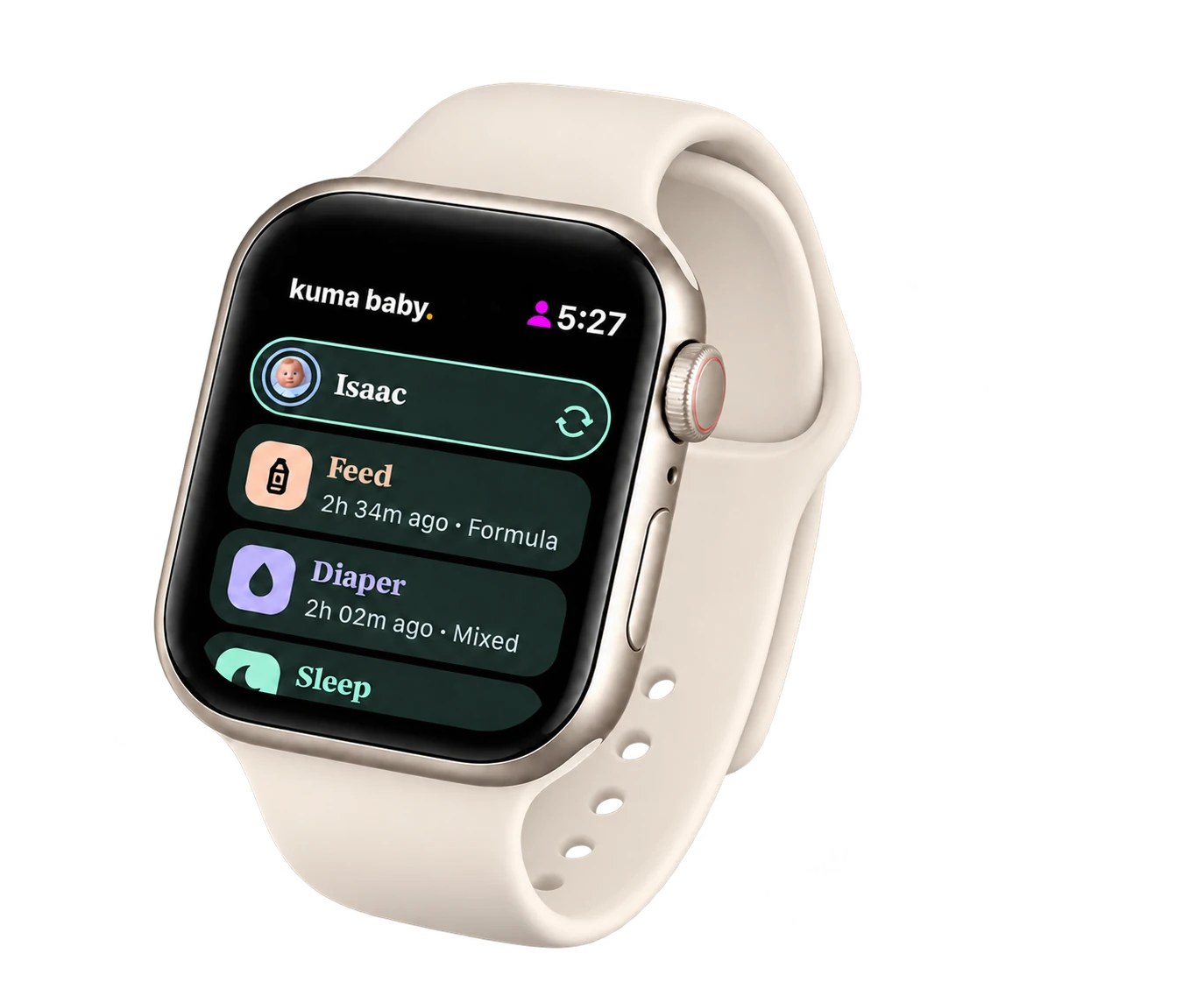
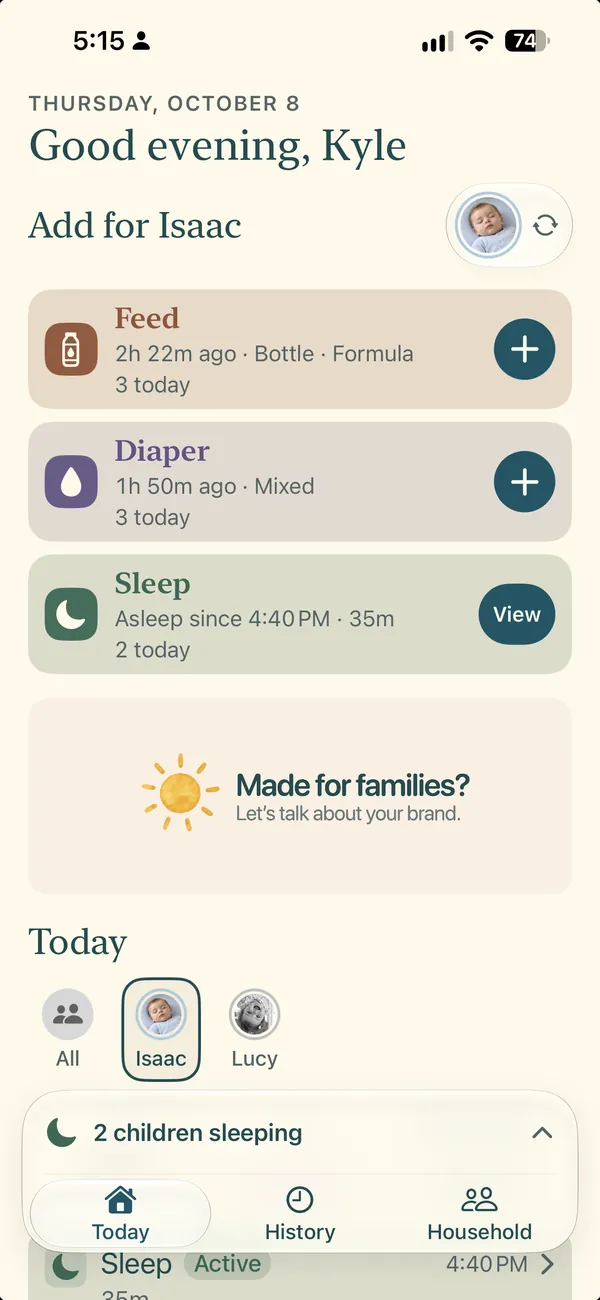
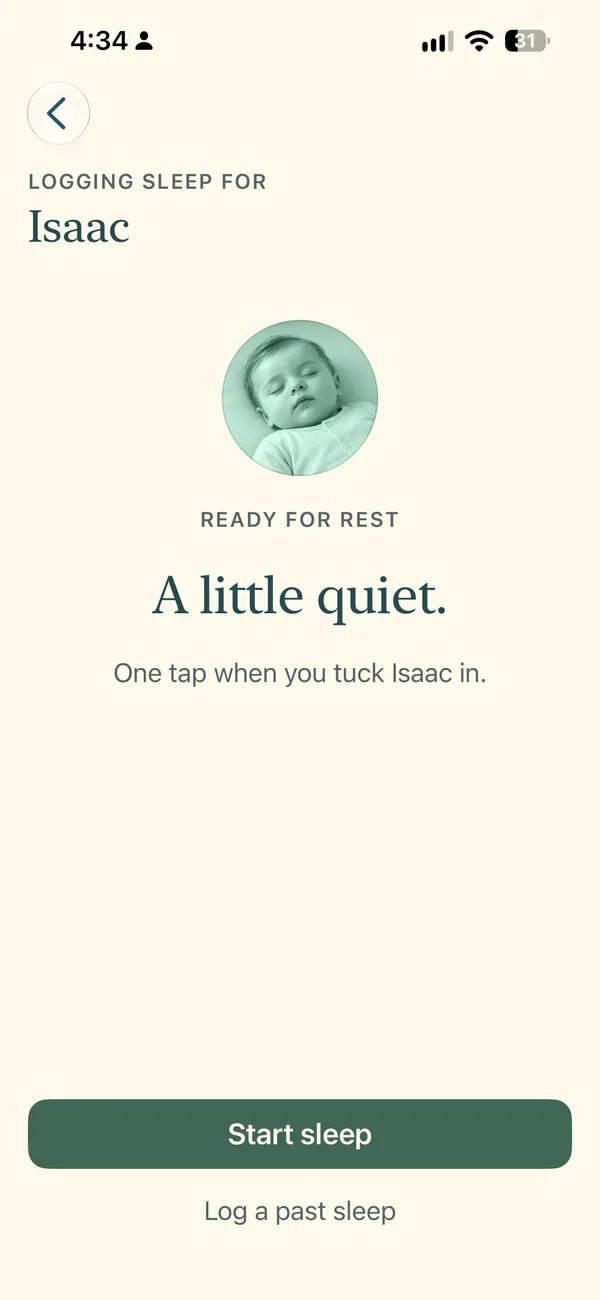
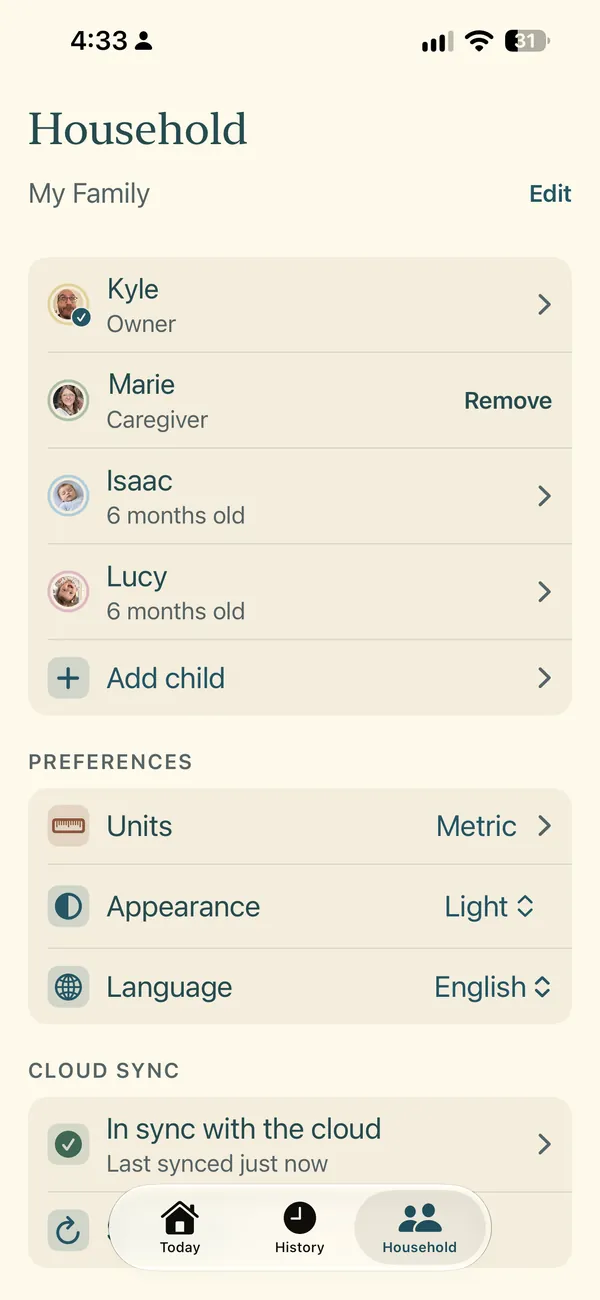
When you're feeding, changing and settling two babies, the hard part is remembering who had what, and when. Kuma Baby tracks feeds, diapers and sleep for one baby or several, with a shared household so everyone caring for them sees the same record.
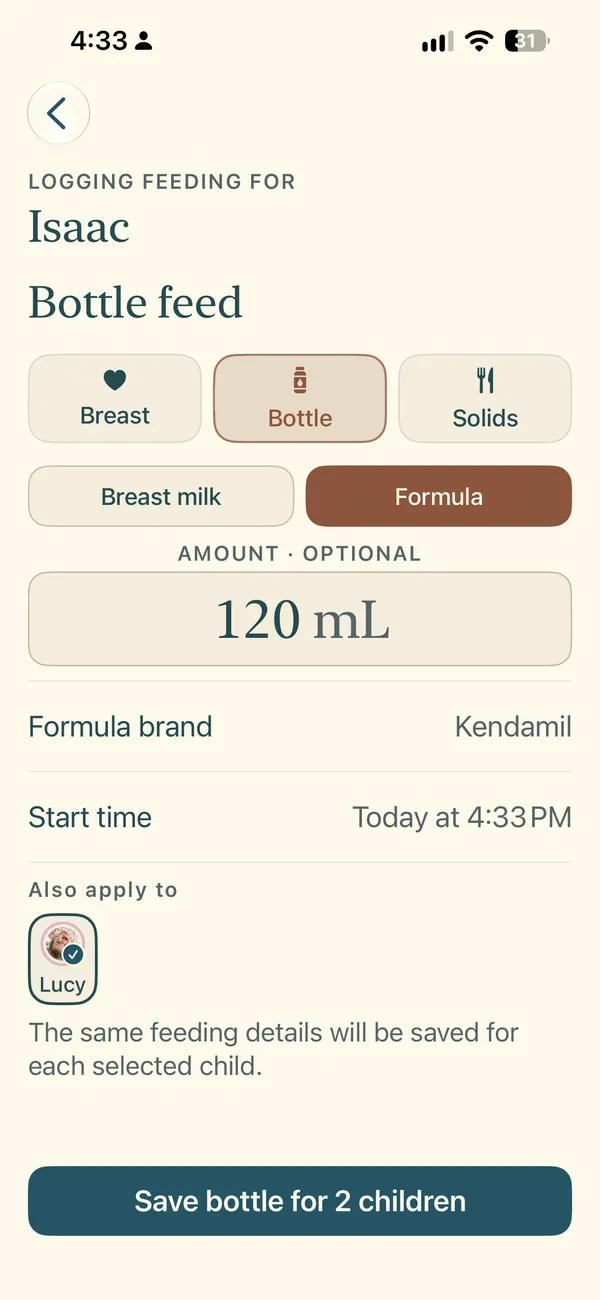
- Feed. Logged in a tap.
- Nap. Timer running.
- Handoff. The details go with it.
Feeds, diapers and sleep.
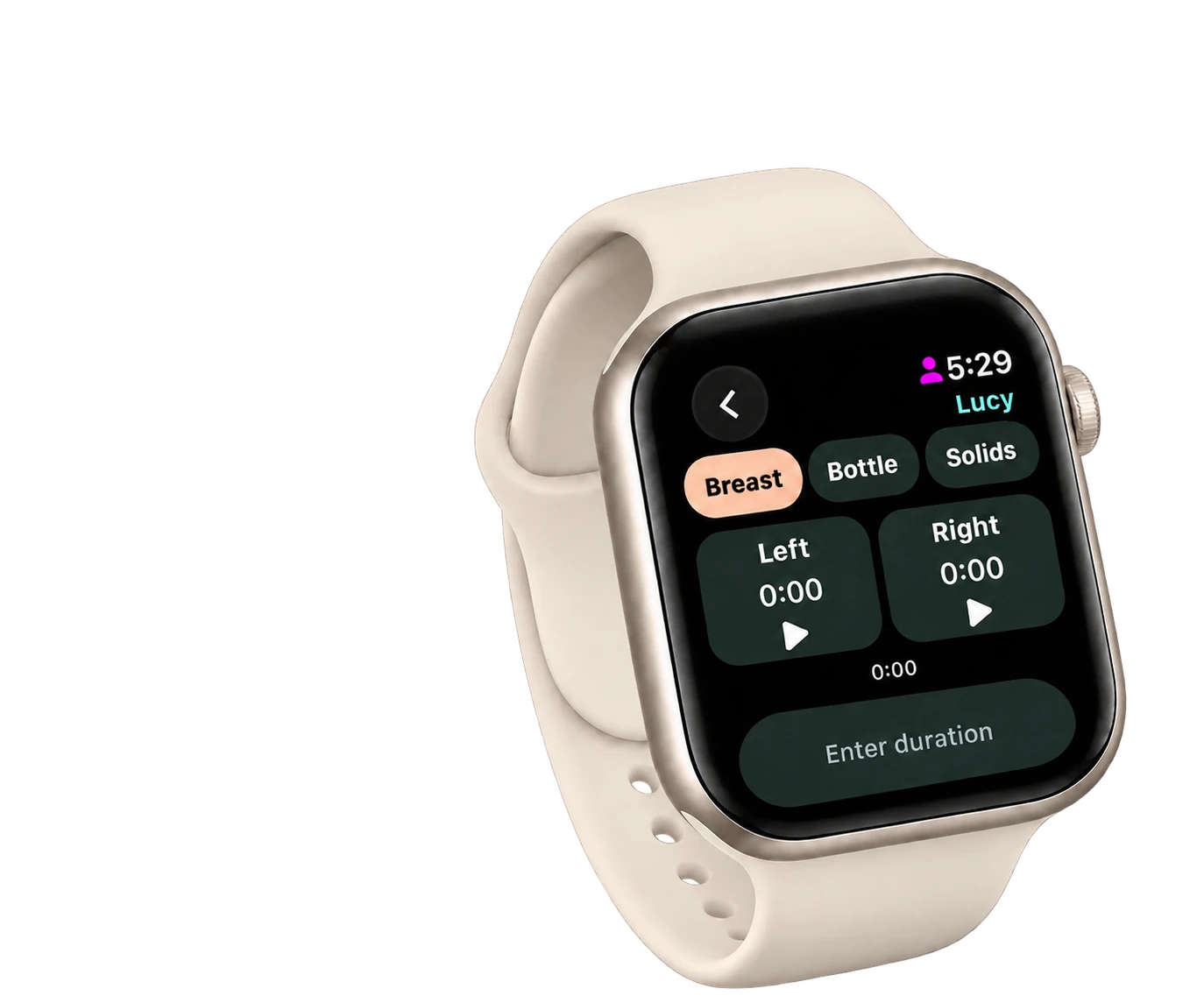
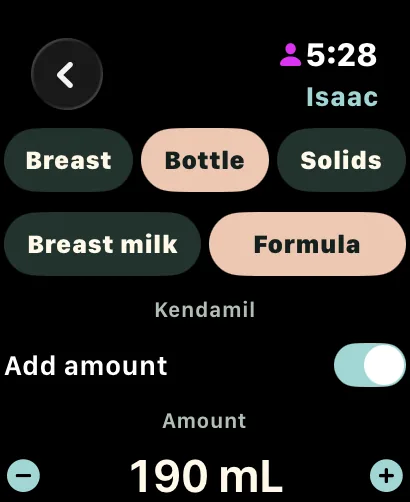
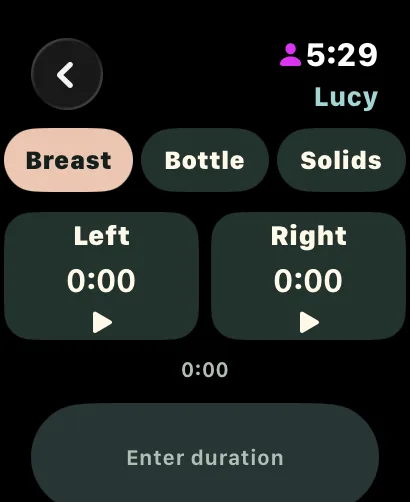
Breast, bottle and solids. Sleep timers. Log bottles for several babies at once.
One shared household.
Caregivers join, the owner controls access. Works offline and syncs when you're back.
Gentle hints.
Likely feed and nap times from each baby's own logs. Hints, not alarms.
-
On your wrist.
Log from Apple Watch, with breastfeeding timers for each side.
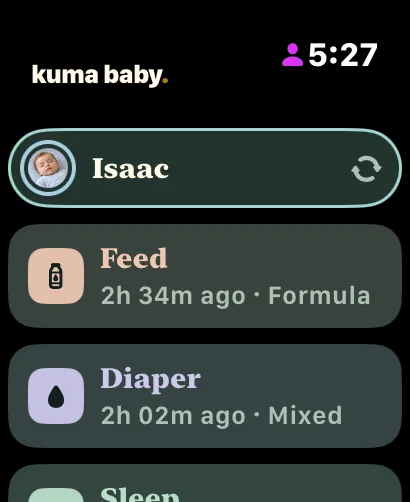 01 / OVERVIEW
A quick look at their day.
See your baby's latest feed, diaper change and sleep log, right on your wrist.
Four languages.
English, French, Spanish and Portuguese (Brazil).
Free where it counts.
Core logging, history editing and caregiver access stay free.
Made with care in Canada.
Requires iOS 18 or later. Apple Watch app requires watchOS 11 or later. Not medical advice.
 VERILOCK · WEB & NIMIQ PAY
Sign it together. Keep the file to yourself.
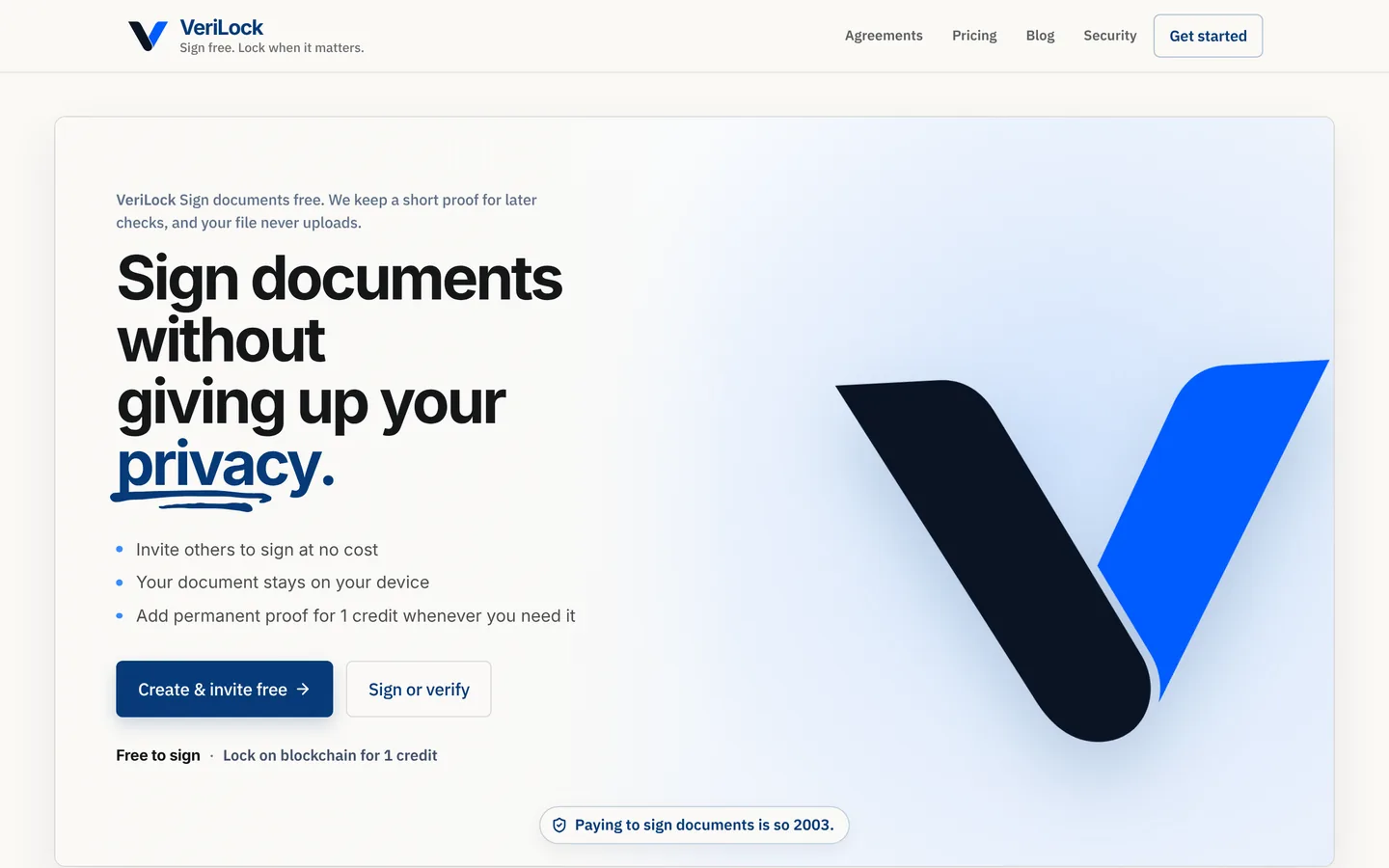
Most e-signing services want a copy of your contract. VeriLock never takes one. Your browser turns the file into a SHA-256 fingerprint, everyone signs against that fingerprint with a Nimiq wallet for free, and when it matters you can lock the proof on the Nimiq blockchain for one credit.
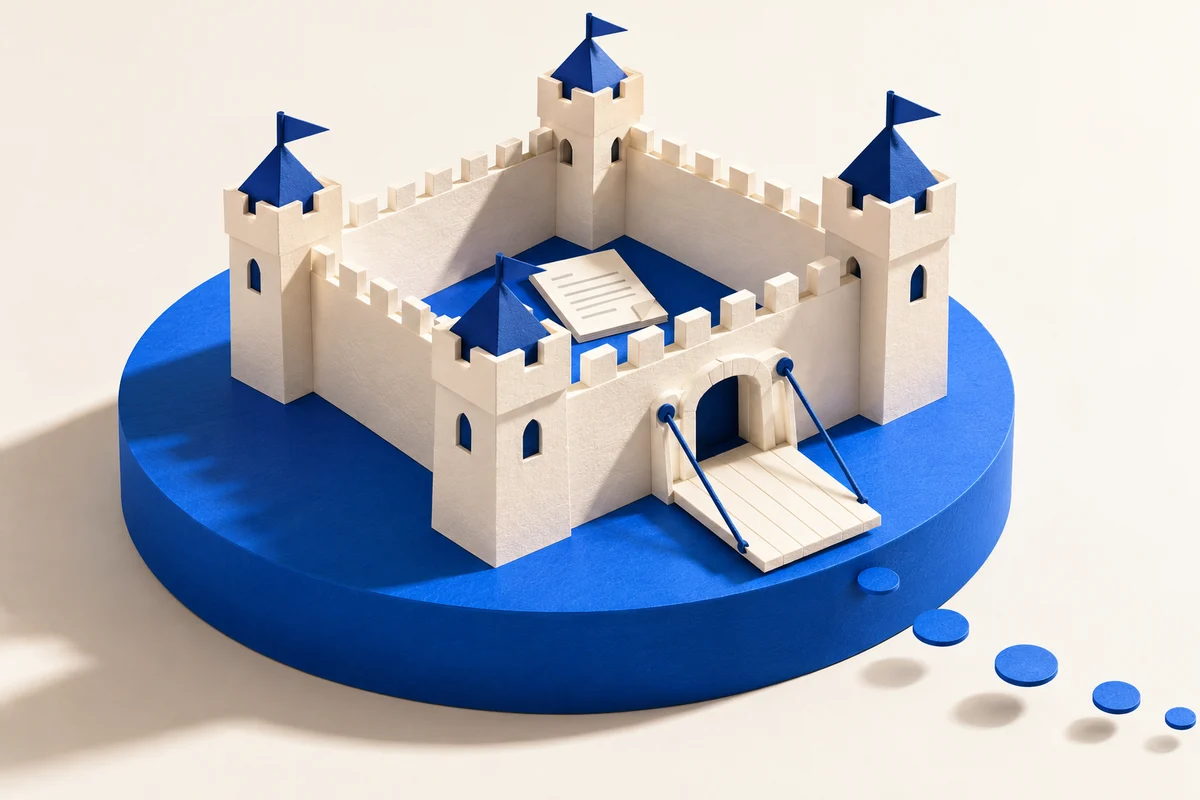
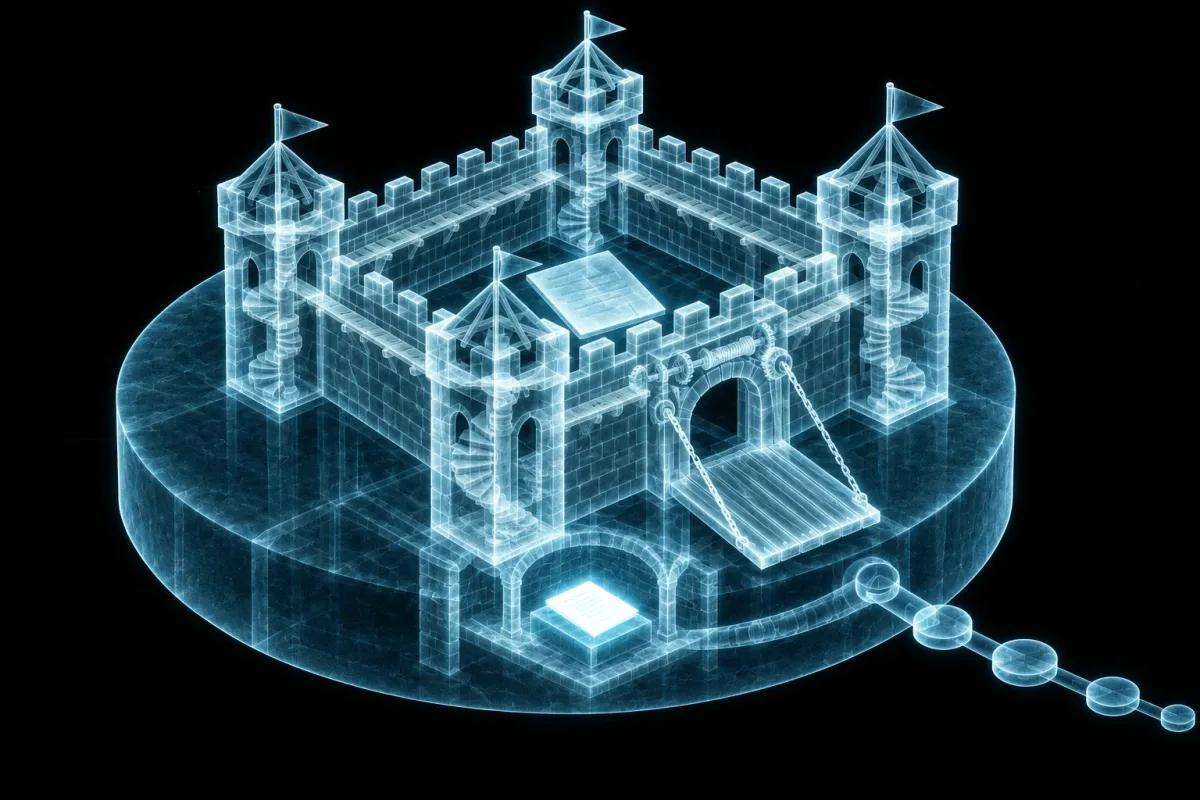
Your file has
trust issues. Good.
The original stays on your device. Only its fingerprint comes along.
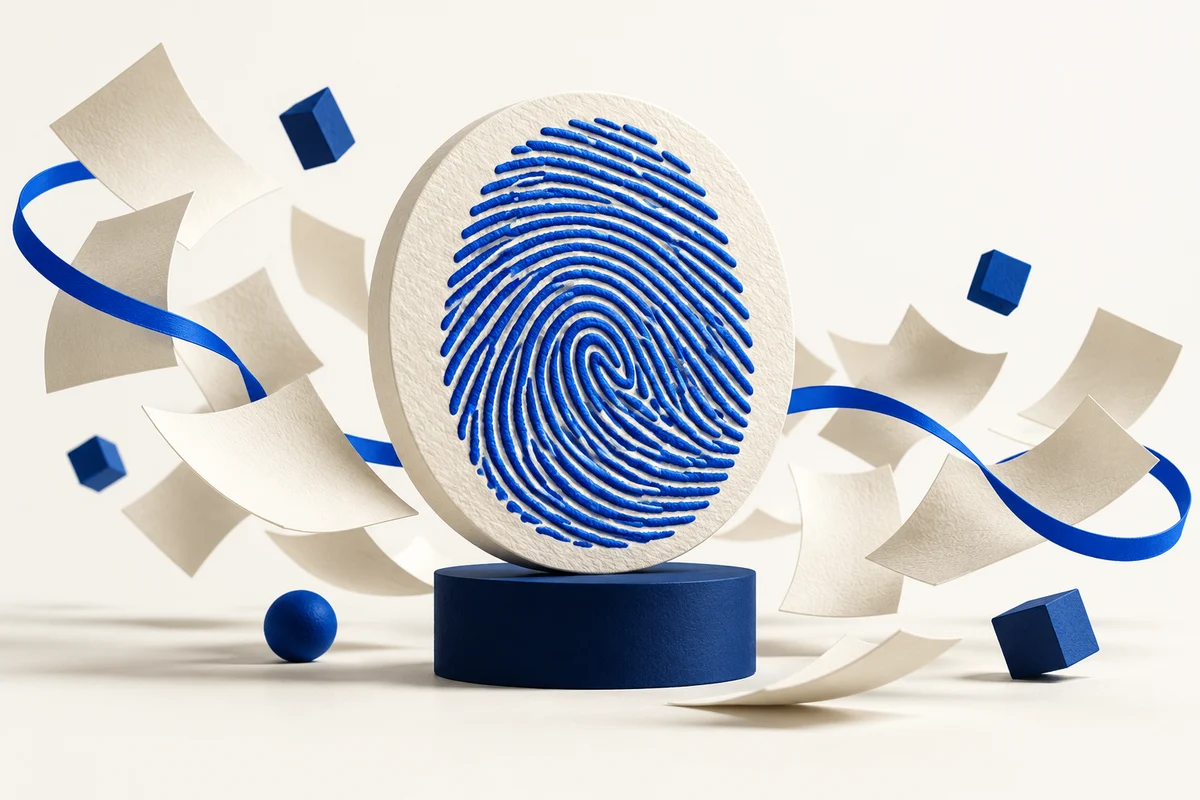
Small fingerprint.
Long memory.
Sign together for free. Lock the fingerprint on Nimiq when proof matters.
- Fingerprint. On your device.
- Sign. Free, with a wallet.
- Lock. One credit, on Nimiq.
- Verify. Anyone, any time.
Try step one right here.
Pick any file. This page hashes it in your browser with SHA-256, the same fingerprint VeriLock uses. Nothing is uploaded.
- VERILOCK / PRIVACYYour file stays with you.
Your browser reads the file on this device to calculate its fingerprint. This demo uploads nothing. The name and size here just help you recognise the file you picked.
- VERILOCK / FINGERPRINTA fingerprint, made from the file.
SHA-256 turns the file’s contents into these 64 characters. The same bytes produce the same fingerprint, even if you rename the file. Change the contents and the fingerprint changes.
To verify a copy, calculate its fingerprint again and compare it with the locked one. The fingerprint cannot be used to reconstruct your file.
- VERILOCK / PUBLIC PROOFA small message. A lasting record.
A VeriLock lock puts this message on the Nimiq blockchain so the fingerprint can be checked later.
seal:v1:lockidentifies the lock format.{docId}links it to a VeriLock document record.- The final 64 characters are your file’s fingerprint.
Preview only. This demo leaves {docId} as a placeholder and sends no transaction. Your file is not locked yet.
Hover a result or tap its to see what it means.
A lock is a zero-value Nimiq transaction carrying seal:v1:lock:{docId}:{sha256}. Change one byte of the file and the fingerprint no longer matches.
Free multi-party signing.
Add people, place their fields, and invite them by link. Everyone signs with a Nimiq wallet, and the signed copy prints free.
The file never uploads.
The fingerprint is computed in the browser. VeriLock keeps the fingerprint and agreement details, never the document bytes.
Proof that outlasts the site.
One credit locks the fingerprint on the Nimiq blockchain. Pay by card, or in NIM at half the price.
Verify without an account.
Drop any copy to check it against its fingerprint. No wallet, no login, no upload.
PDF tools that stay local.
Merge, crop, mark up, convert, compress or OCR a PDF before signing. It all runs in the browser.
An open-source verifier.
VeriLock Offline re-checks locks on the web or on macOS, Windows and Linux, without touching verilock.online. Try the open-source verifier
Sign free. Lock when it matters.
Runs in any modern browser and as a mini app inside Nimiq Pay. A lock proves a file existed unchanged. It is not legal advice.
ABOUT
Hi, I'm Sam.
I live in Calgary, Alberta, and I've spent 11 years in telecommunications. I like figuring out why a system isn't working, getting it working reliably, and helping other people understand it.
My degree is in Communications and Media, which turns out to be useful in a technical job: half of fixing something is explaining it. I speak English and intermediate Portuguese.
Away from work I'm usually building something, or keeping up with twins.
If you want to talk about a system, a survey, or one of these projects, I would like to hear from you: [email protected].
END OF LINE
One connection ends here. The next could start with you.
I'm open to roles in telecom transport, SCADA and alarm systems, telecom engineering, and software, ideally based around Calgary or remote with light travel.